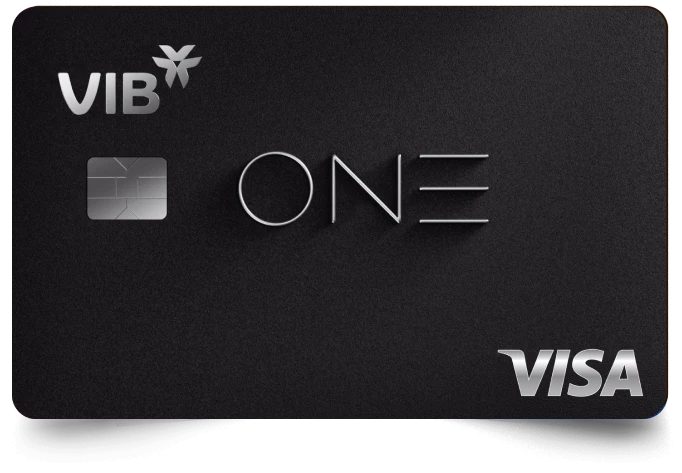






![]() Apple Pay | VIB
Apple Pay | VIB
![]() Banner top
Banner top


Your iPhone is your VIB card
An easy, secure and private way to pay
Apple Pay lets you make purchases with your VIB Card using any Apple device – just like you would with your physical card – in stores, online and in apps
Privileges when provisioning
Shop in person, online or in apps
Apple Pay is accepted by millions of merchants around the world. Just look for  or the contactless payment symbol at checkout and pay with your VIB Visa card. To check out with Apple Pay if you’re on a computer but not using Safari or a Mac, click the button and scan the code that appears on screen with your iPhone
Add your VIB card in a few steps
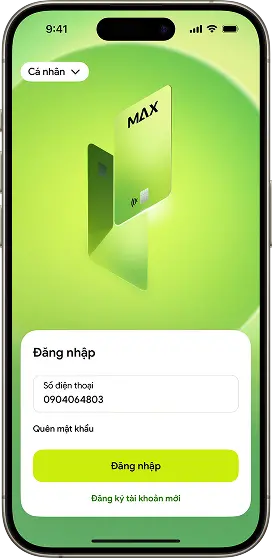
Step 1
Log in to the Max app
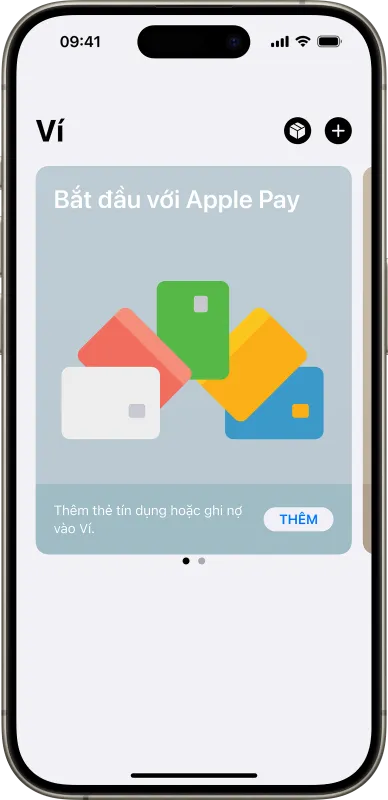
Step 1:
Open Apple Wallet on your iPhone and tap “+” icon to get started
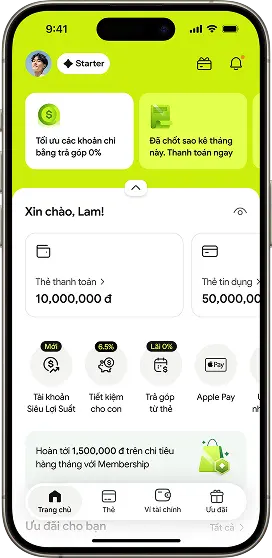
Step 2
Select “Apple Pay” on the home screen or go to the “Cards” section
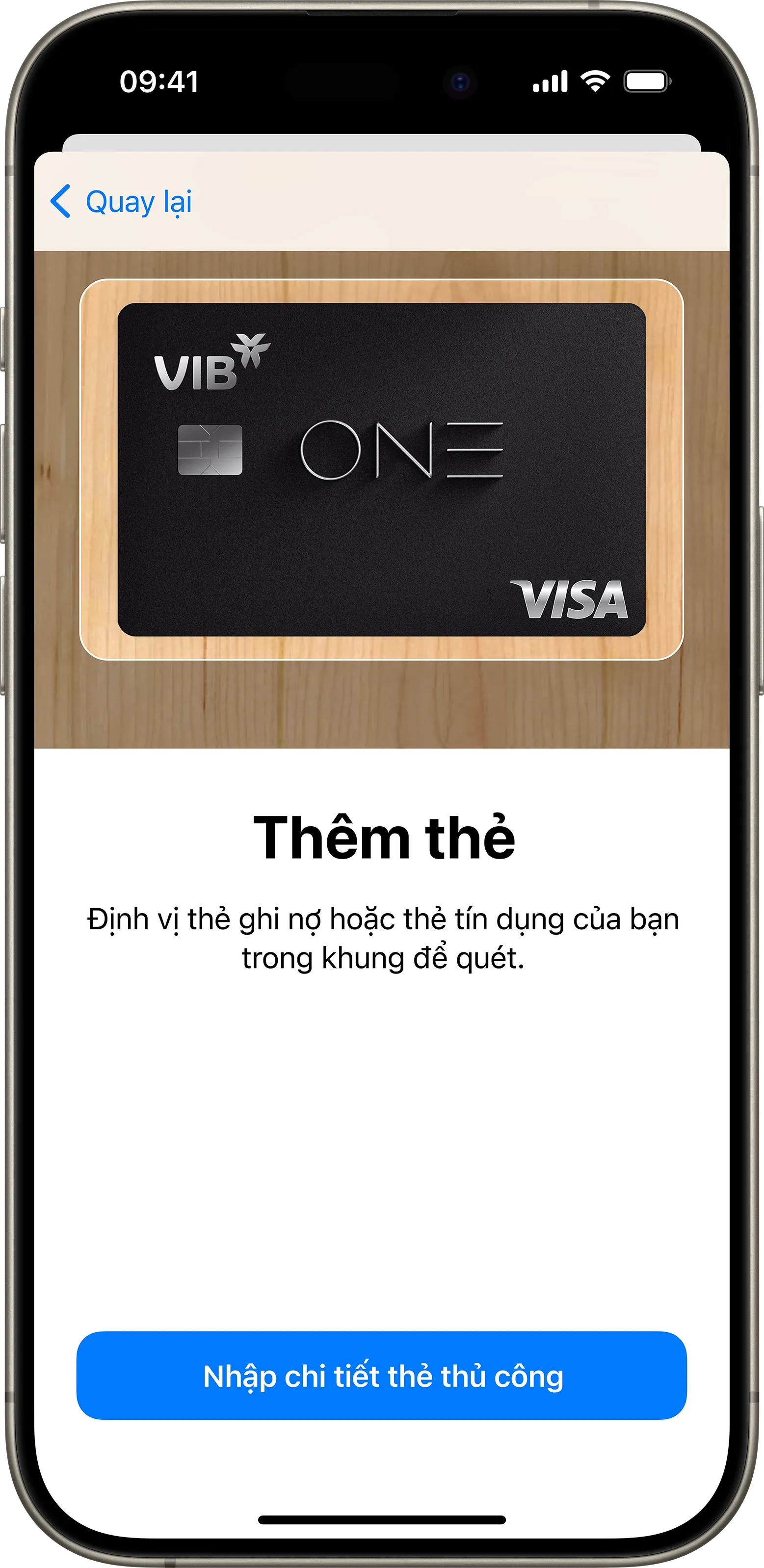
Step 2:
Scan or enter your card information, and follow the on-screen instructions
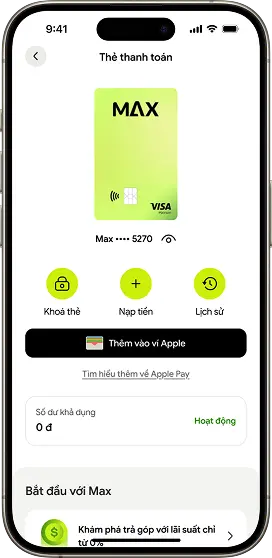
Step 3
Tap “Add to Apple Wallet” and follow the instructions to complete the setup
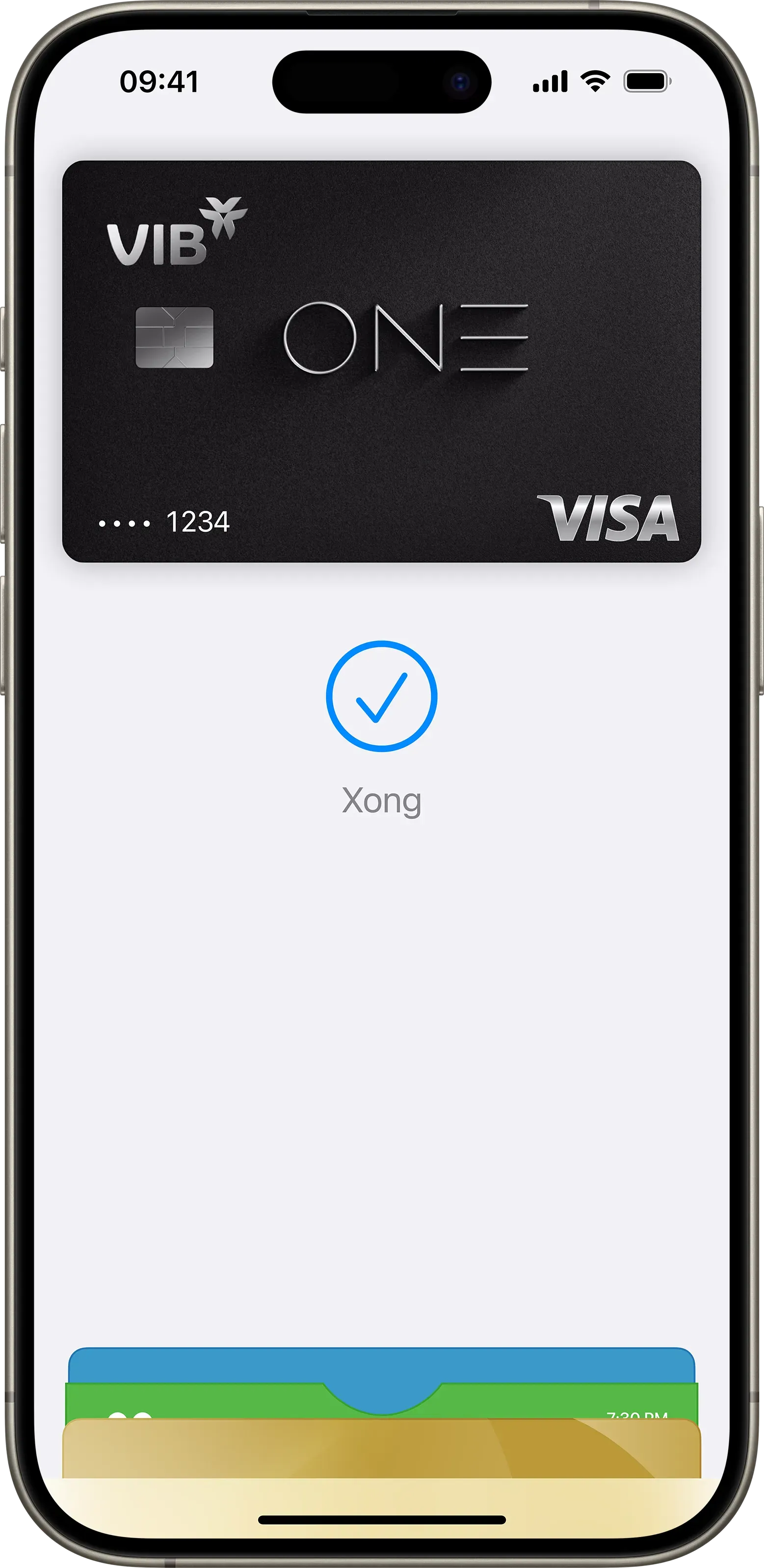
Step 3:
Make VIB card the default card and you are ready to use Apple Pay
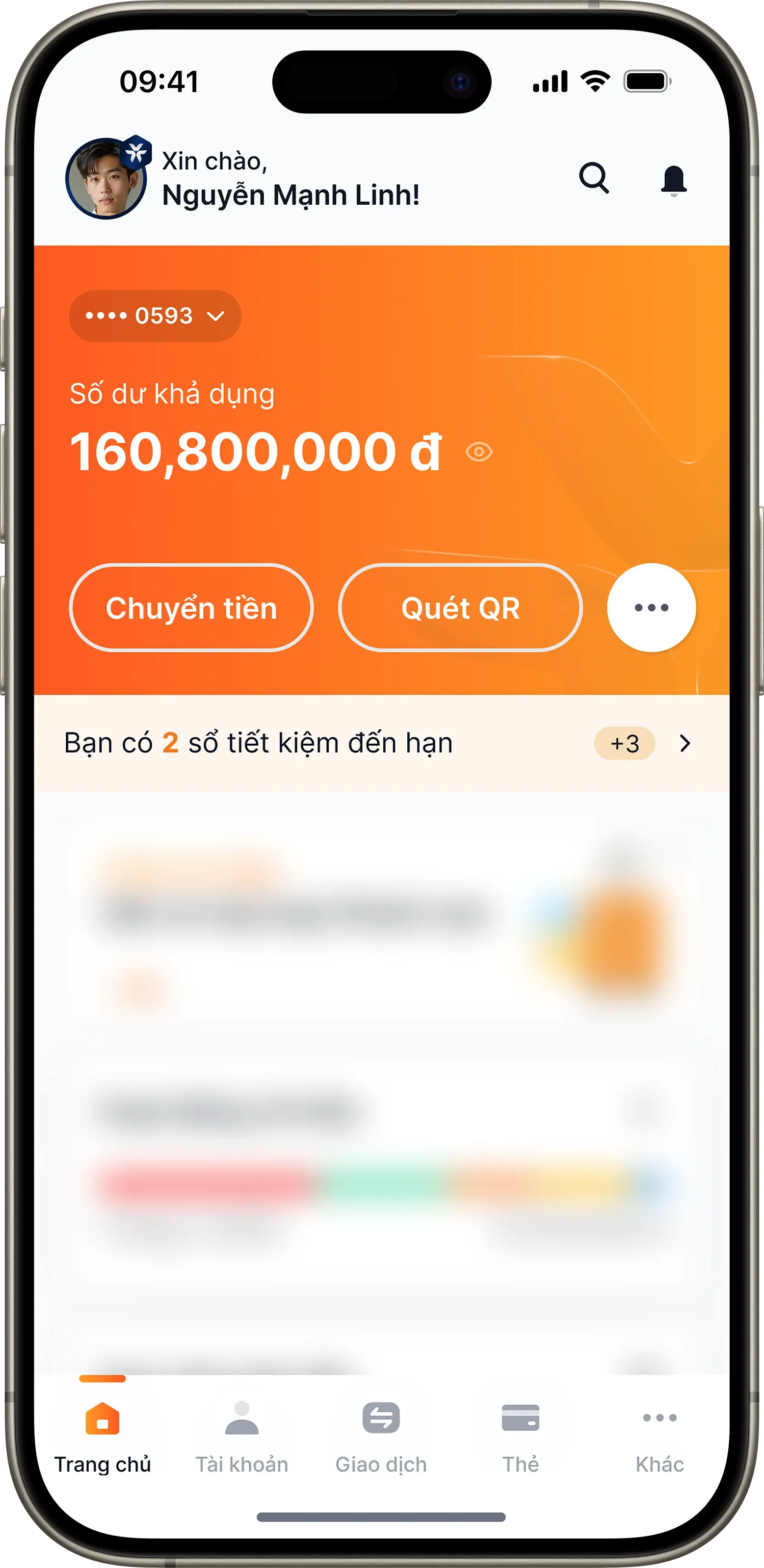
Step 1:
Log in MyVIB and select "Card" from menu at the bottom
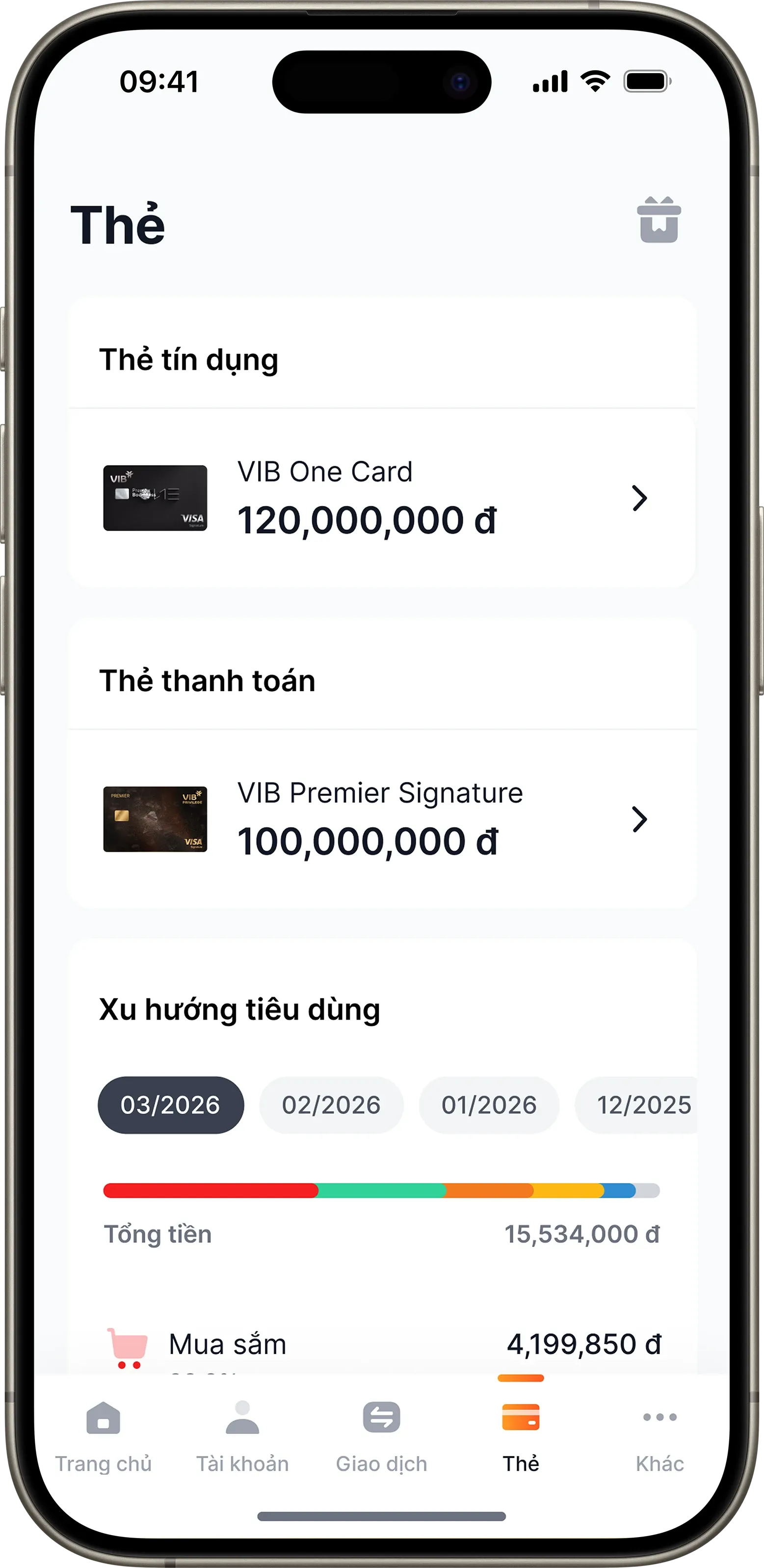
Step 2:
Select your credit or debit card to add to Apple Pay
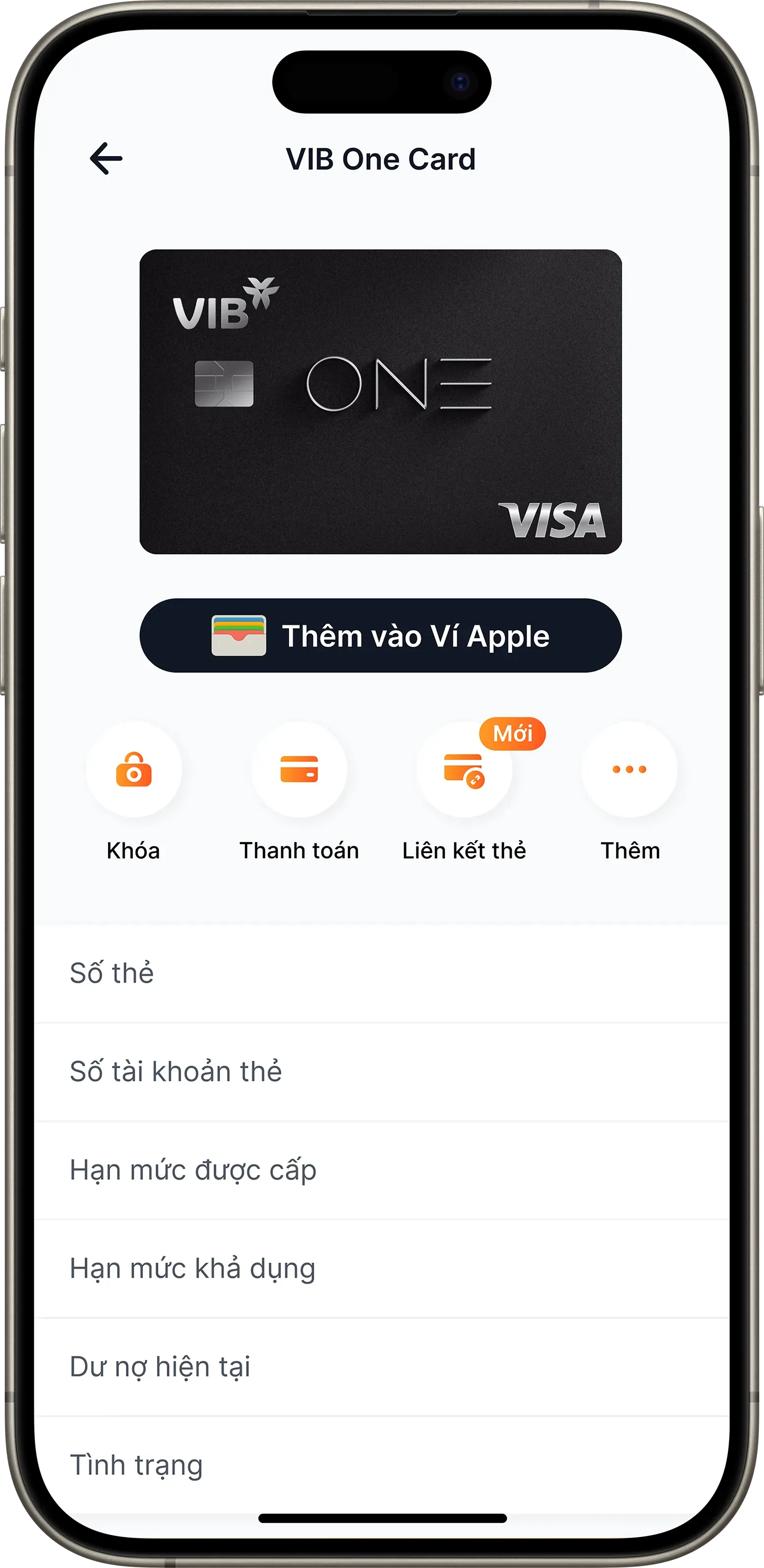
Step 3:
Press "Add to Apple Wallet" and follow instructions to complete
FAQs link